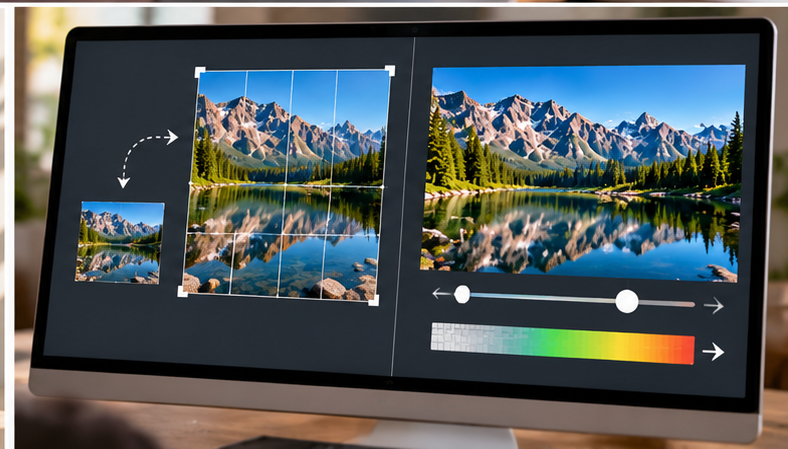
1600 × 900
The raster grid: how many pixels wide and high the image is.
Width and height tell you how many pixels the image contains. KB and MB tell you how much encoded data the file occupies. Those measurements are related, but they are not interchangeable.

The raster grid: how many pixels wide and high the image is.
The amount of encoded storage or transfer data the file uses.
How large the browser or application actually renders it on screen.
A photographic PNG can be much heavier than a JPEG or lossy WebP of the same dimensions because PNG is lossless while photographic lossy formats discard information to save space.
One export may use aggressive compression and another may prioritize quality. Same pixel grid, different encoded file.
Grass, hair, confetti and fine texture tend to require more data than a flat wall, soft gradient or simple graphic at identical dimensions.
Some formats store alpha transparency and different color information. Those capabilities can change the file weight independently of width and height.
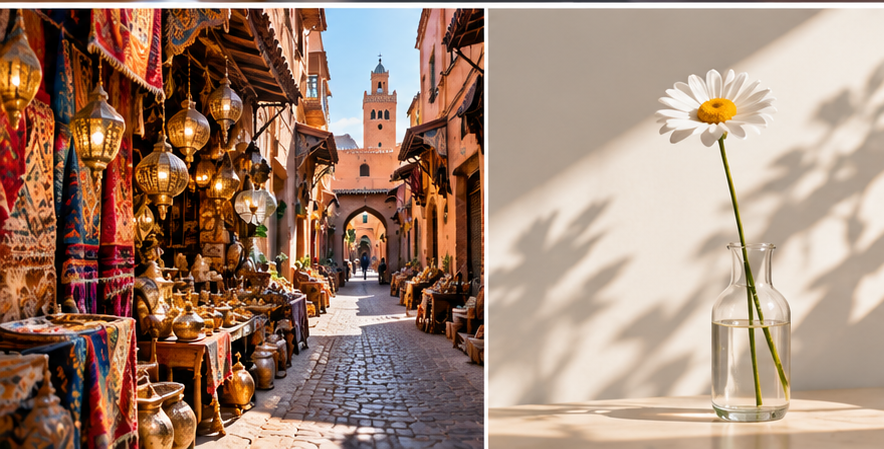
A simple image with large uniform areas can compress efficiently. A highly detailed scene changes from pixel to pixel and is harder to represent compactly. That is why file size cannot be predicted accurately from dimensions alone.
Reducing dimensions throws away pixels because the output contains a smaller raster grid. Compression works on the encoded representation. Lossy compression may also discard image information, while lossless compression preserves it.
MDN distinguishes lossy formats such as JPEG from lossless PNG and notes that WebP can operate in either mode. That is why “make the dimensions smaller” and “make the file lighter” are related but separate tasks.