
Decode JPG
The JPEG file is decoded into pixel values that can be displayed or edited.
No. It can stop you from adding another round of JPEG loss, but it cannot reconstruct detail the JPG already discarded.
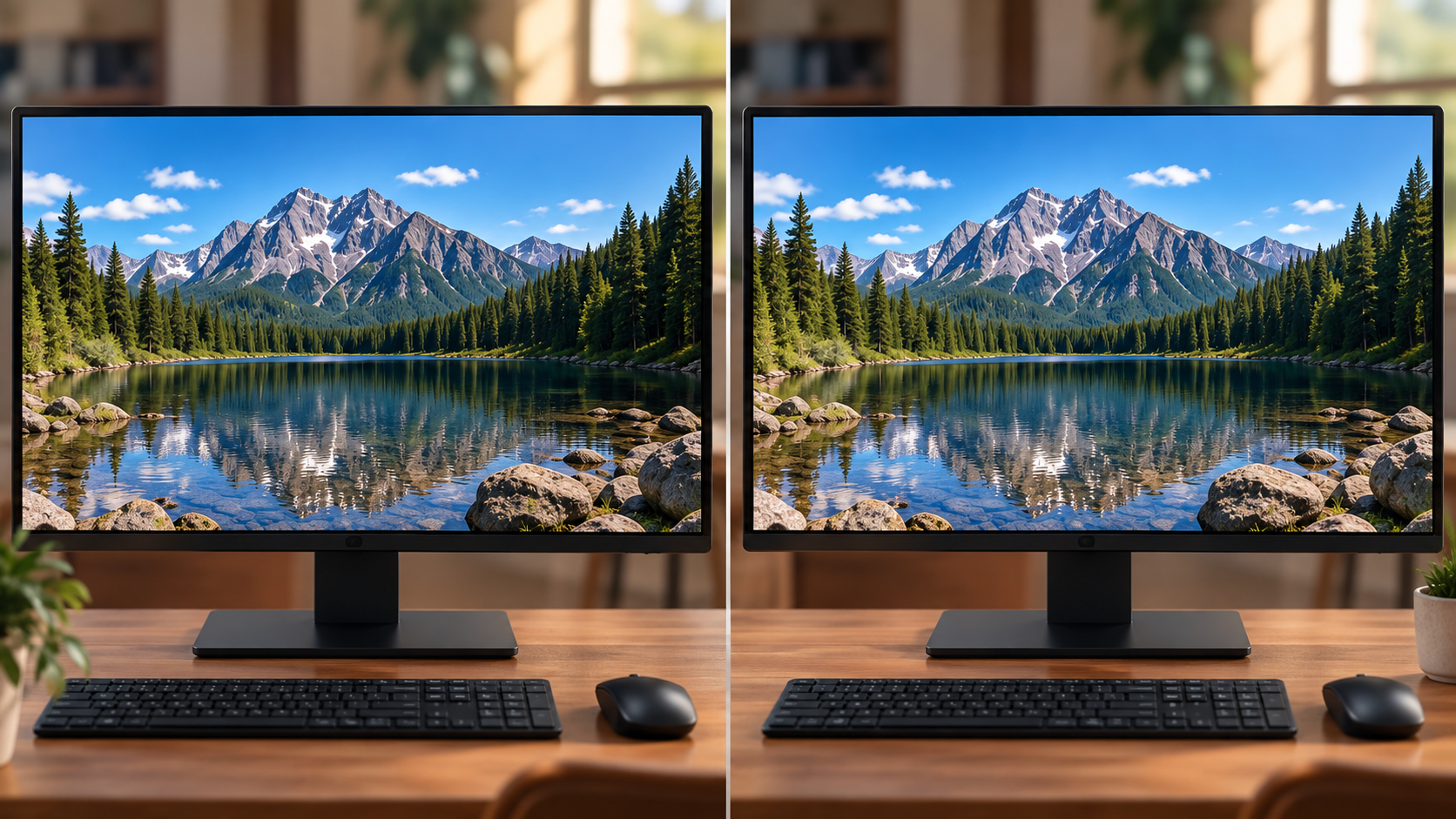
“PNG is higher quality, so converting my JPG to PNG makes the picture better.”
JPEG is a lossy format. Once a photo has been encoded and detail has been discarded, a later PNG conversion only stores the decoded result of that JPG. The new PNG can preserve that result losslessly from that point forward, but the earlier loss stays visible.
The JPEG file is decoded into pixel values that can be displayed or edited.
No hidden original is recovered. The decoded image is the starting point.
Those pixels are written using PNG's lossless compression.
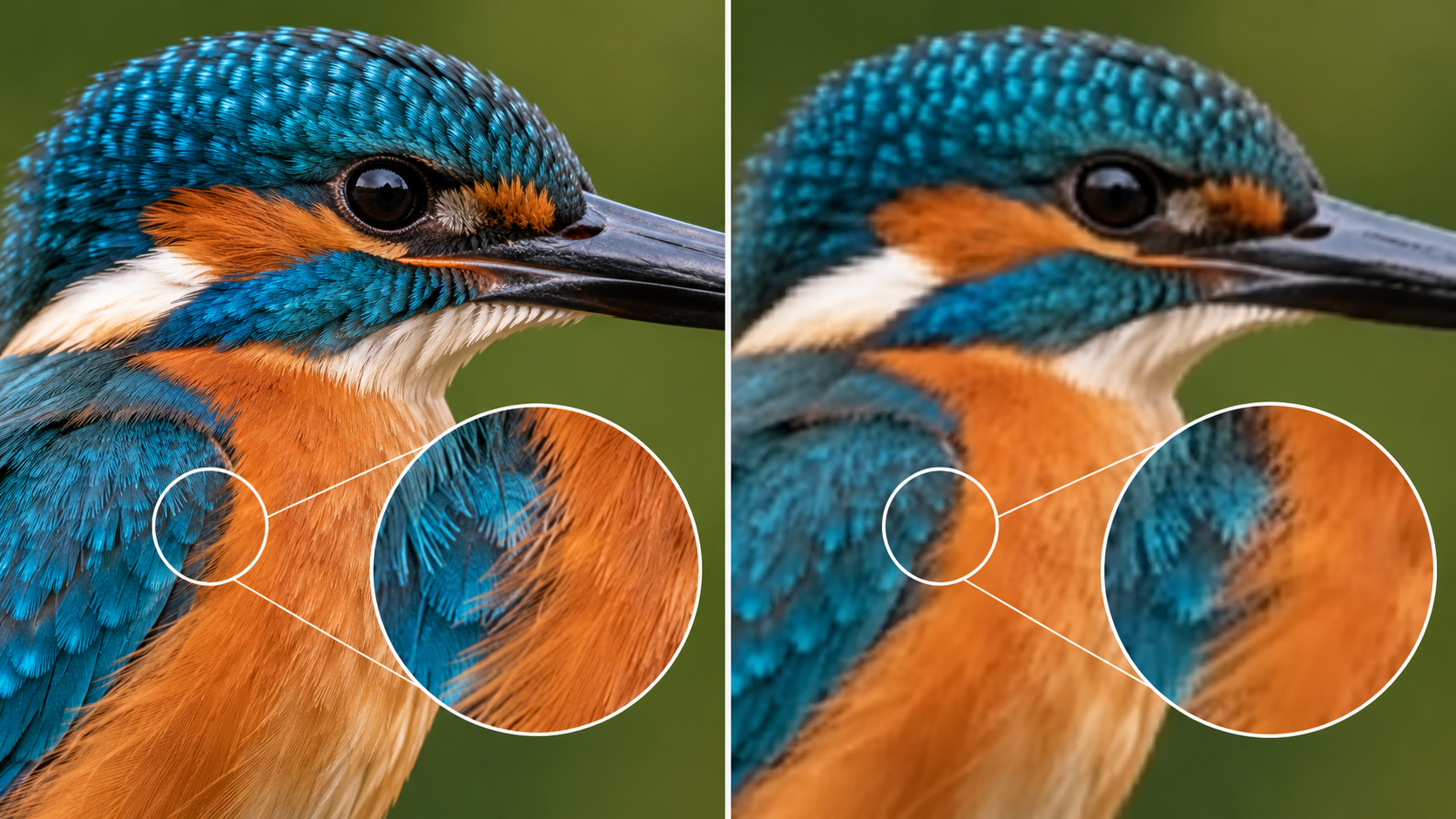
If a JPG already shows blockiness, ringing around text, smeared hair, or softened fine texture, converting it to PNG freezes those visible pixels into a lossless file. That can be useful if you plan to edit the image again and want to avoid another lossy JPEG save—but it is not restoration.
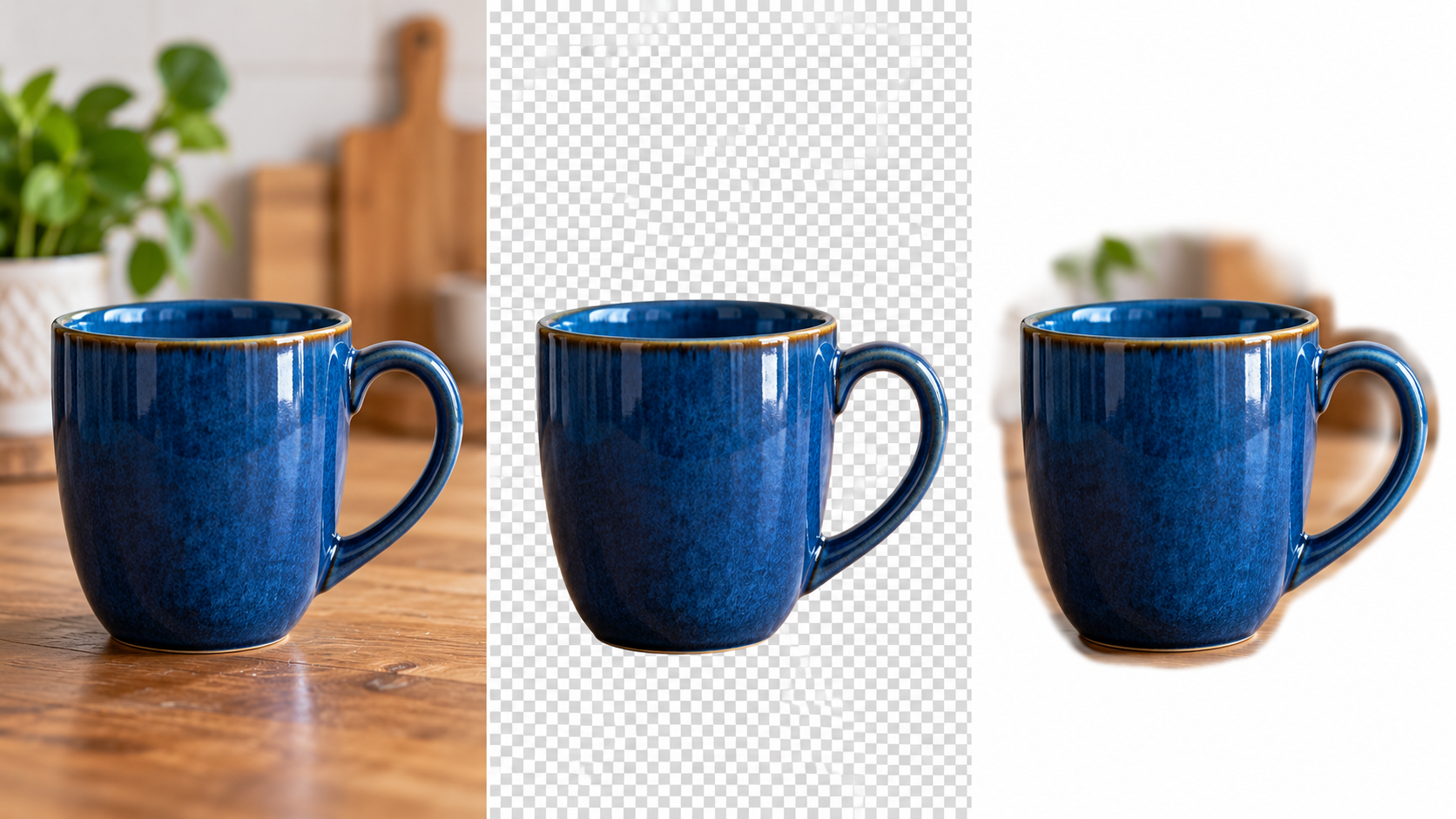
A normal JPG has no alpha channel. Saving it as PNG gives you a format capable of transparent pixels, but the converter cannot automatically know which ordinary background pixels should become transparent. That requires a background-removal or masking step.
PNG supports alpha. Your image still needs actual transparent pixel data.
You need to make repeated edits and want future saves to avoid additional JPEG generation loss.
A platform, application or workflow specifically requires PNG input.
You plan to remove a background or create alpha after conversion.
The current image will be edited into a screenshot, diagram or graphic where lossless output is useful.