Continuous-tone photos
Small, familiar and widely supported. Its lossy compression is often a sensible tradeoff for photographs, but repeated saves can accumulate damage.
For a photograph, start with JPEG or WebP. Keep a PNG or lossless WebP copy when the image contains small text, sharp edges, or transparency.
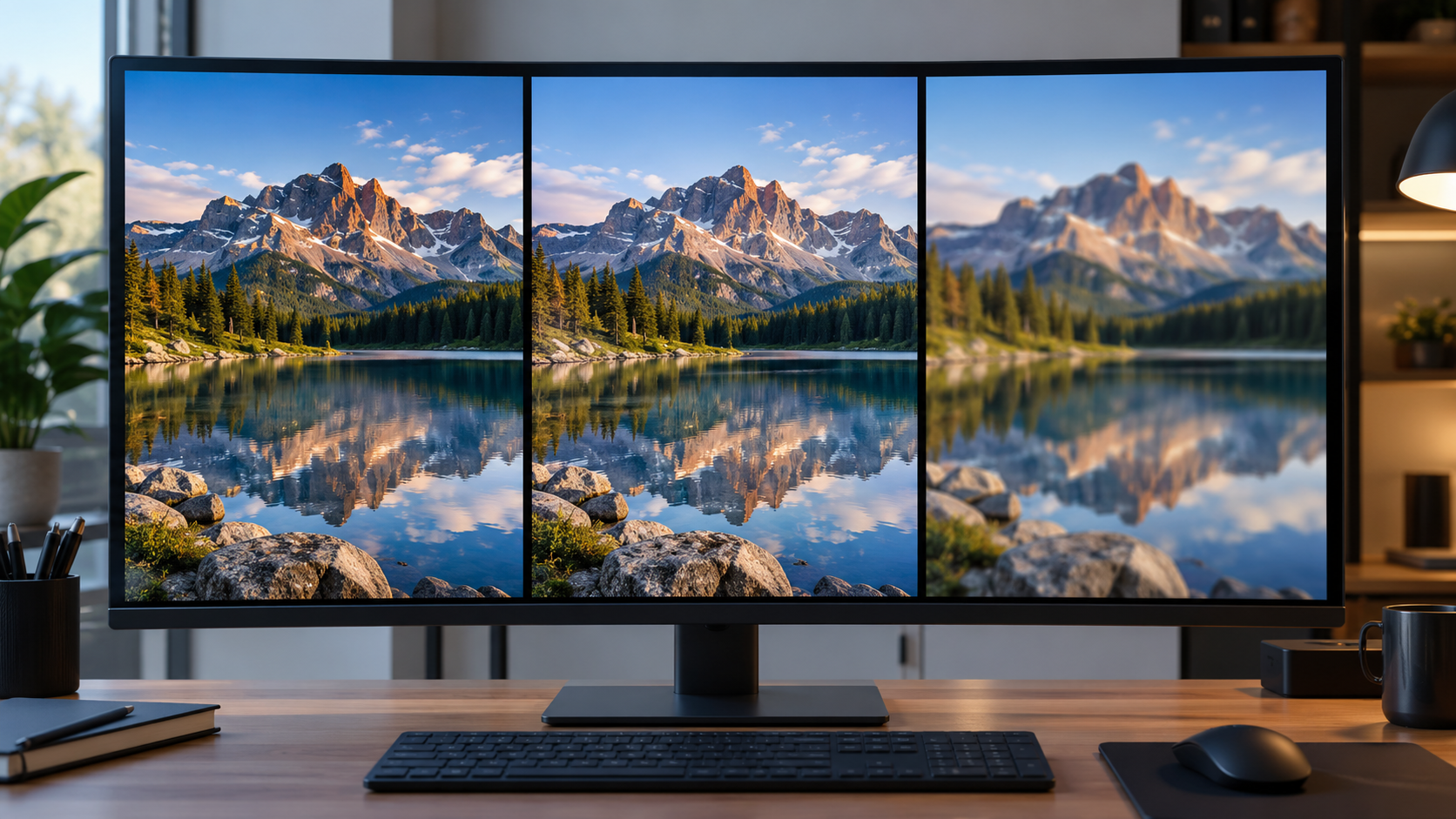
Small, familiar and widely supported. Its lossy compression is often a sensible tradeoff for photographs, but repeated saves can accumulate damage.
Lossless storage makes it useful for screenshots, interface graphics, line art and images where alpha transparency matters.
Supports lossy and lossless modes plus transparency. For many web images it can reduce weight while preserving a comparable visual result.
JPEG works especially well when the image contains gradients, texture, skin, landscapes and other continuous-tone detail. It saves space by discarding information that is less noticeable to the eye. That same strategy becomes obvious around small text, hard edges and repeated re-exports.
PNG is lossless. The decoded pixels can be reproduced without the generation loss associated with JPEG. That makes it a natural home for screenshots, diagrams, interface elements and artwork with hard boundaries. It also supports alpha transparency.
WebP supports both lossy and lossless compression and can carry transparency. That makes it useful when a web workflow needs smaller files without giving up the option of alpha or lossless storage.
Put the actual image type on the table.

For a large photo, PNG can preserve every pixel yet produce a much heavier file. If the visual difference is negligible at the intended display size, the lighter photographic format is usually the practical choice.
Colored fringes and ringing around letters are much easier to notice than compression inside a sky or skin tone. Lossless storage is useful when interface detail is the content.
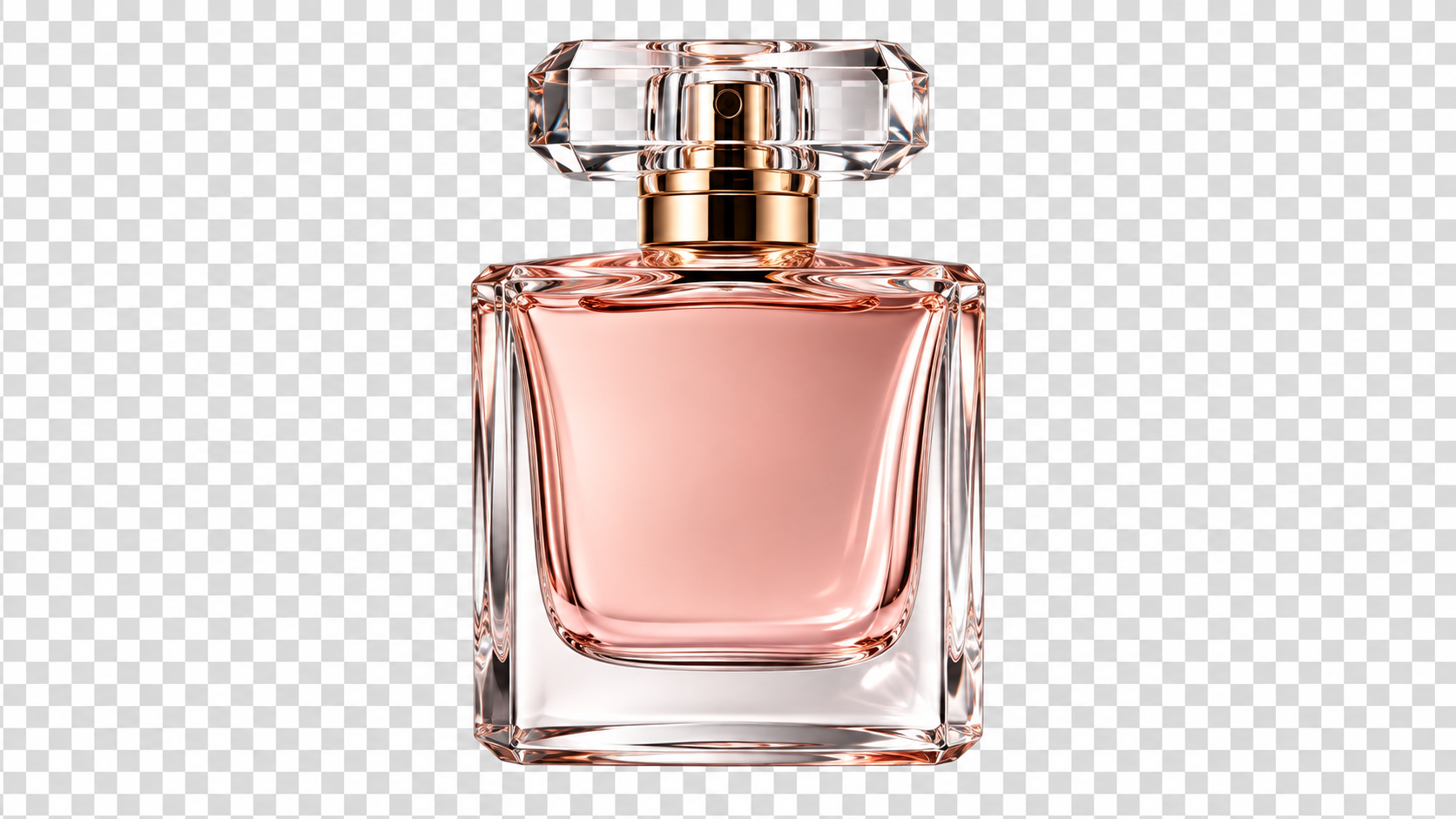
JPEG has no alpha channel. PNG supports transparency, and WebP can also preserve alpha. That is why a background-removed product image may work as PNG or WebP but cannot remain genuinely transparent as a normal JPEG.
For an online listing, check the text on a label at thumbnail size. For an ad that uses the same product over several colors, keep a transparent PNG master and test the WebP delivery copy over both a light and a dark backing.
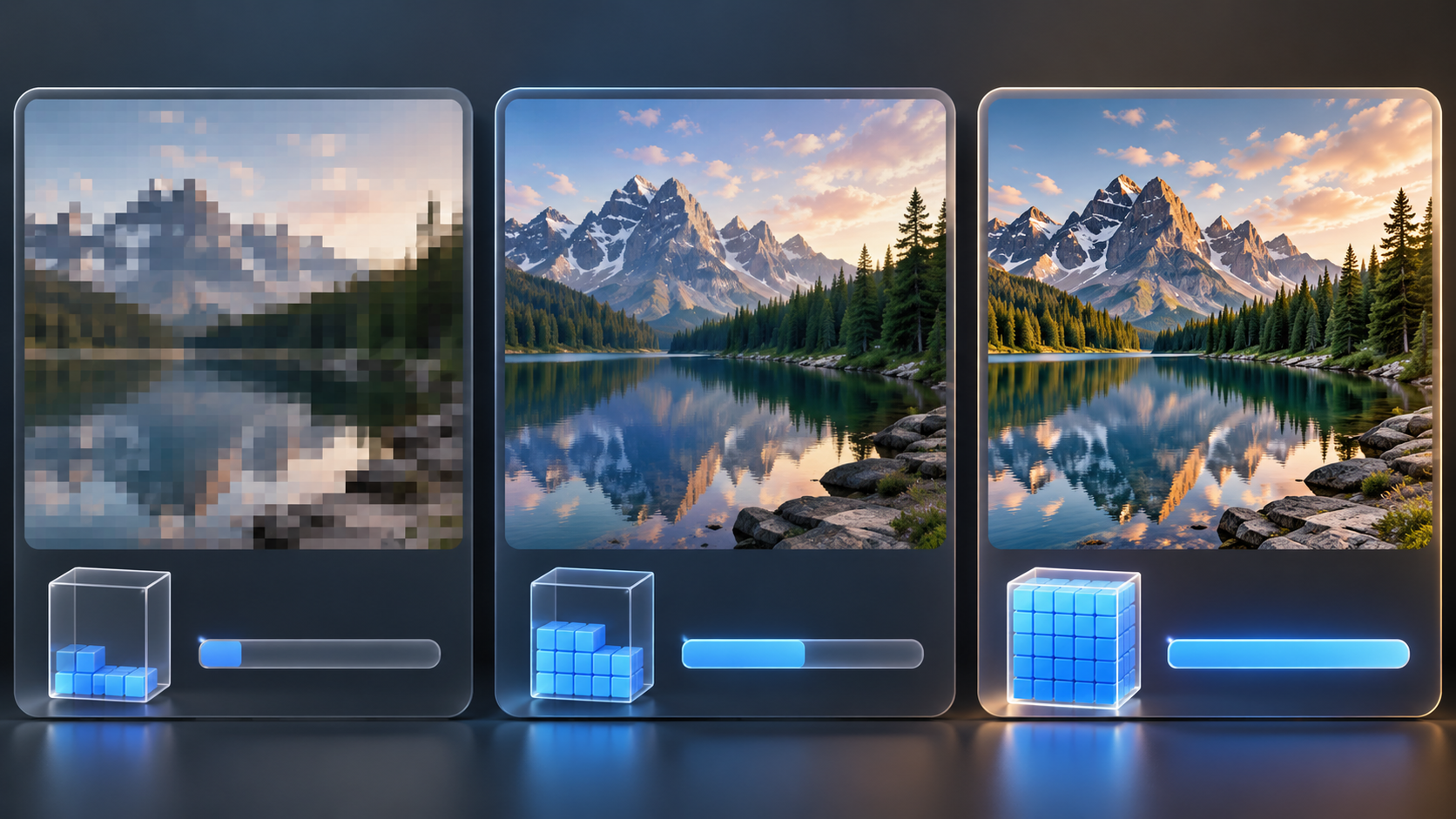
“Best” is contextual. Browser support, editing workflow, destination requirements and the image itself all matter.