
- Which pixels remain
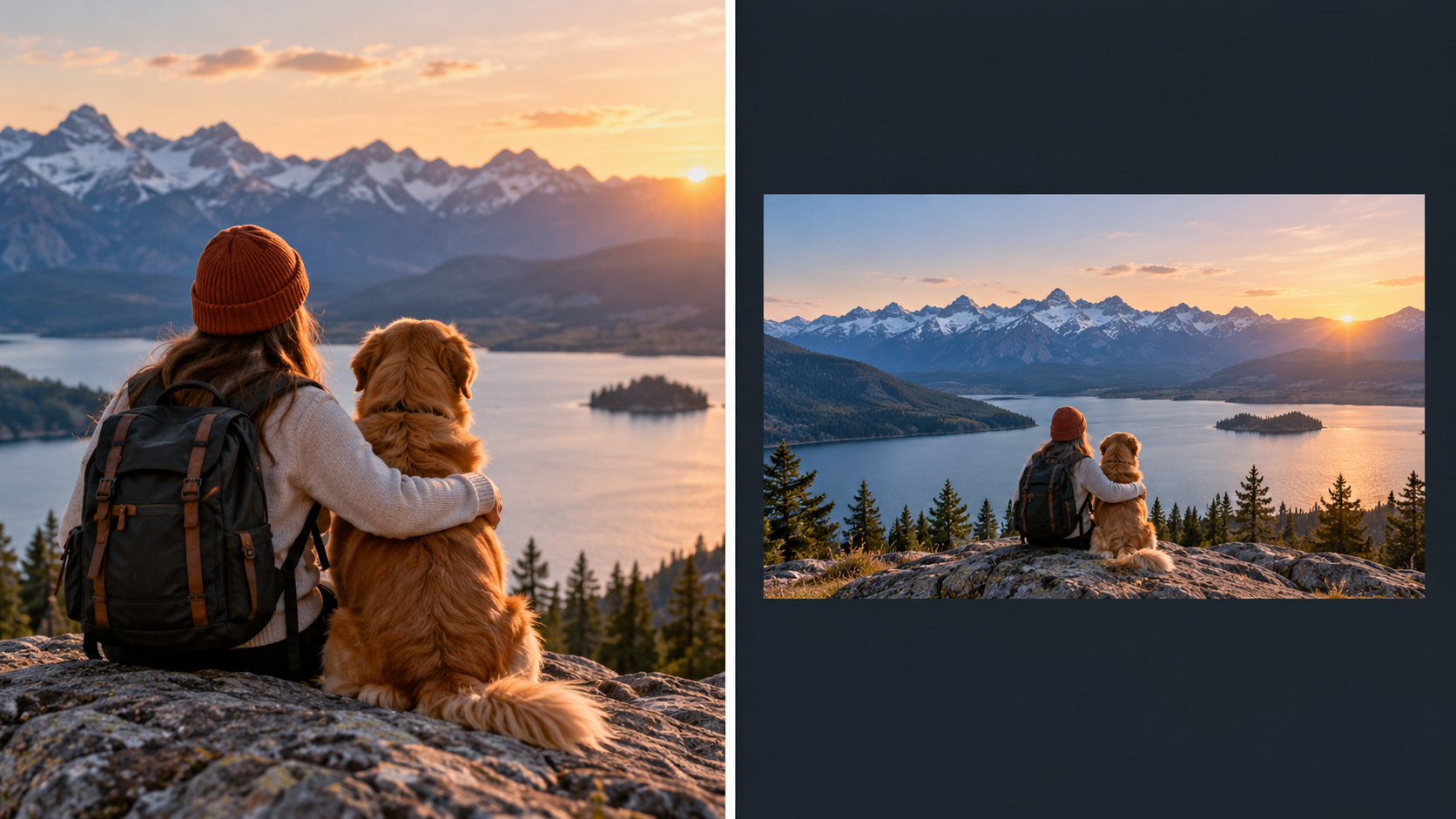
- Aspect ratio can change
- Subject placement changes
- Edges of the scene disappear
CLEANIMG ONLINE / DECISION GUIDEFRAME OR DIMENSIONS?
Crop vs Resize:
they solve different problems.
Crop changes what stays inside the frame. Resize changes how many pixels the image uses. You often need both—but the order changes the result.
THE 15-SECOND ANSWER
Ask one question before touching the image.
QUESTION
Is the problem the composition or the dimensions?
→
If composition is wrong
Crop.
If dimensions are wrong
Resize.
- Total pixel dimensions
- Output width and height
- Potential file weight
- Displayed sharpness if enlarged too far
01 / CROP
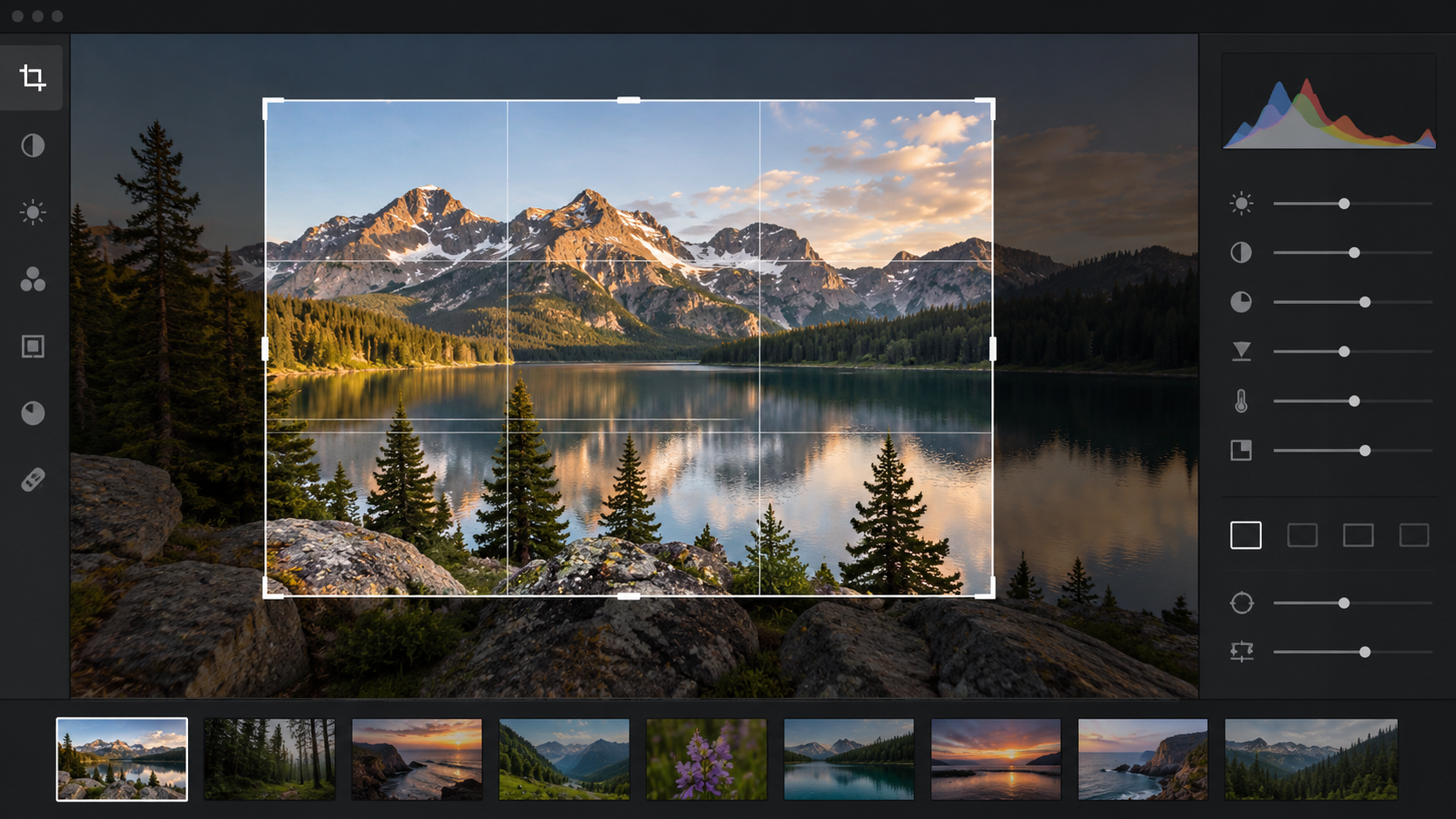
Use crop when the frame contains too much.
A crop throws away pixels outside the chosen rectangle. That makes it a composition decision first. You can remove empty background, move attention toward a face or product, create a square from a landscape image, or match a fixed banner shape.
Nothing about cropping guarantees a smaller download. A tight crop usually contains fewer pixels, but the final file size still depends on format, compression and the dimensions you export afterward.
Crop is the right first move when:the subject is too small in the frameyou need a new aspect ratiothe edges contain distractionsa platform needs a square or banner composition
Open Crop Image ↗
02 / RESIZE
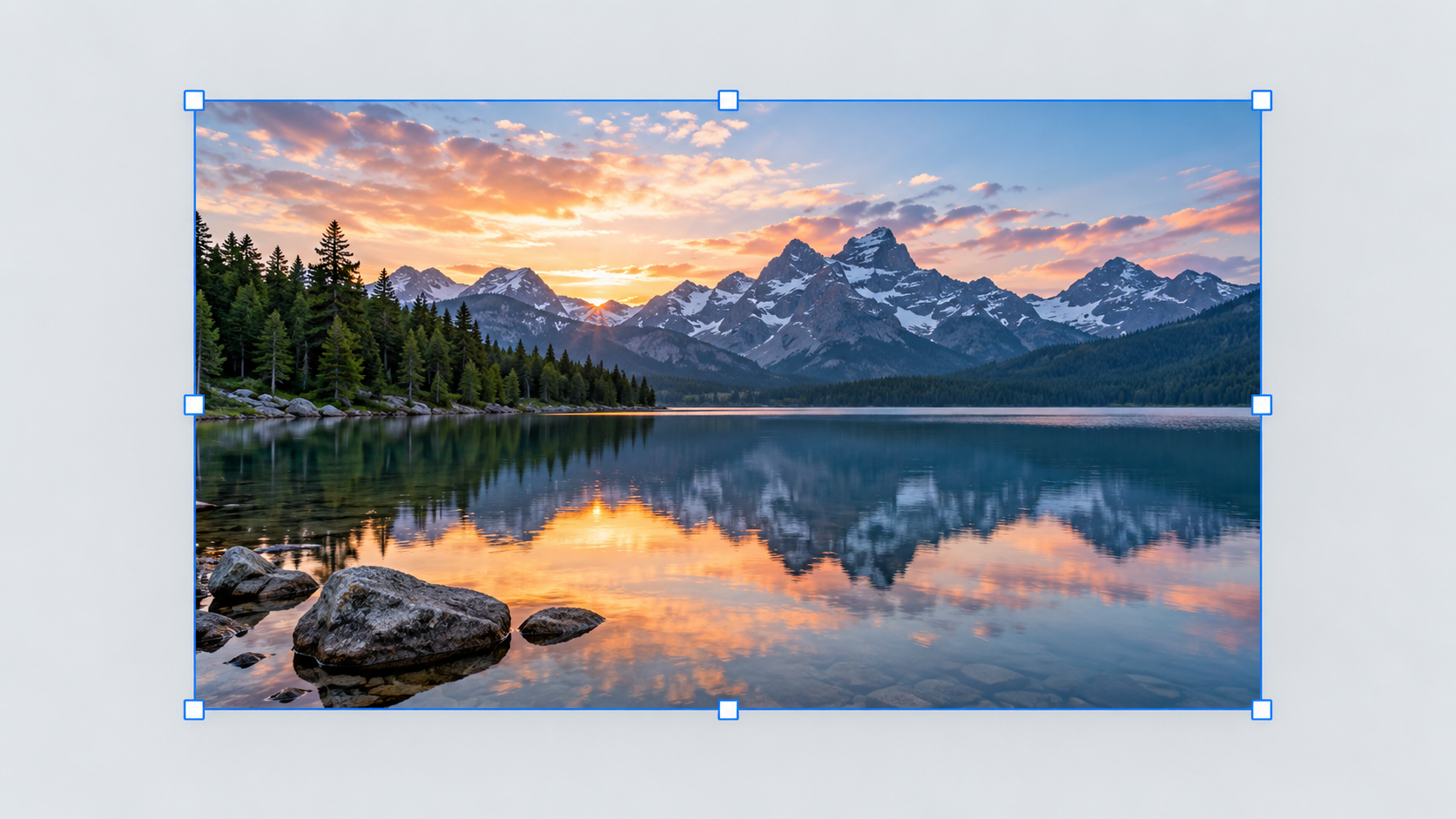
Use resize when the frame is fine but the file is the wrong size.
If the full composition already works, cropping would remove useful content for no reason. Resize changes the pixel grid so the image fits a website slot, upload limit, email, marketplace, document or device requirement.
With the aspect ratio locked, the image keeps its shape. A 2400 × 1600 image resized to 1200 px wide becomes 1200 × 800. The scene stays intact; there are simply fewer pixels describing it.
Watch the direction.Downsizing usually preserves a clean result. Upscaling asks the software to estimate new pixels and may soften fine detail.
Open Resize Image ↗
03 / BOTH OPERATIONS
A common real job needs crop first, resize second.
SOURCE4000 × 30004:3 landscape photo
1CROP
Choose the square composition while the source still has maximum detail.
2RESIZE
Export that square at the exact pixel dimensions the destination needs.
OUTPUT1200 × 1200square marketplace image
This order protects your choices. If you resize to a tiny image first and crop later, the crop throws away even more of the limited pixels you kept.
ORDER MATTERS
Three workflows that look similar but are not.
Crop → Resize
Best when you know the final composition. Make the framing decision from the largest source, then export the required size.
Usually the cleanest route.Resize → Crop
Useful only when the resize is still comfortably larger than the final crop. Risky when you shrink aggressively before cutting the frame.
Can waste available detail.Resize only
Correct when the composition is already right and you only need new dimensions. Do not crop just because every editor has a crop button.
Preserves the full scene.QUICK DECISION MATRIX
Which operation fits the job?
SituationCropResizeBoth
Remove empty space around a product✓—Sometimes
Make a 2400 px photo 1200 px wide—✓—
Turn landscape photo into square thumbnail✓Maybe✓
Meet exact 1080 × 1080 requirementMaybeMaybe✓
Reduce upload dimensions without changing scene—✓—
TECHNICAL REFERENCE
Pixels, dimensions and rendered size
The guide uses standard browser image concepts rather than treating crop and resize as interchangeable editor features.
- MDN · Canvas drawImage()Source rectangles and destination rectangles show the difference between selecting source pixels and scaling output.
- MDN · Responsive imagesIntrinsic dimensions and resolution switching for web display.
CHOOSE THE OPERATION, THEN THE TOOL