Modern image formats
AVIF vs WebP: Which Image Format Should You Use for the Web?
Test AVIF and WebP on the images your visitors see most often. For a photograph, inspect texture and color. For interface text or a cutout, check the decoded lettering and the opacity of the edges.
Which images benefit from each format?
A format name cannot predict quality by itself. A portrait, a night photograph, a screenshot, and a transparent product cutout stress encoders in different ways. Compare files after matching pixel dimensions and judging them inside the actual page.
Start with one photograph, one graphic with small type, and one cutout. Comparing these files shows where a single export rule could damage an asset your site uses.
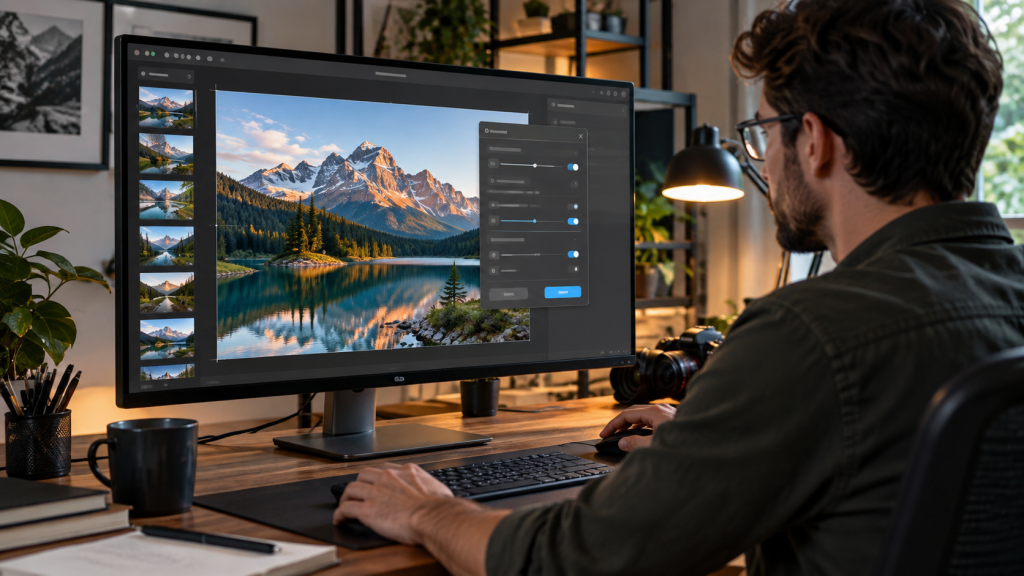
Side-by-side decision table
| Question | AVIF | WebP |
|---|---|---|
| Photographic compression | Often excellent at low bitrates | Strong and widely proven |
| Transparency | Supported | Supported |
| Animation | Supported, workflow varies | Supported |
| Encoding speed | Can be slower | Usually faster |
| Tooling | Improving; verify your stack | Mature across many workflows |
| Fallback planning | Useful for older environments | Useful when very old clients matter |
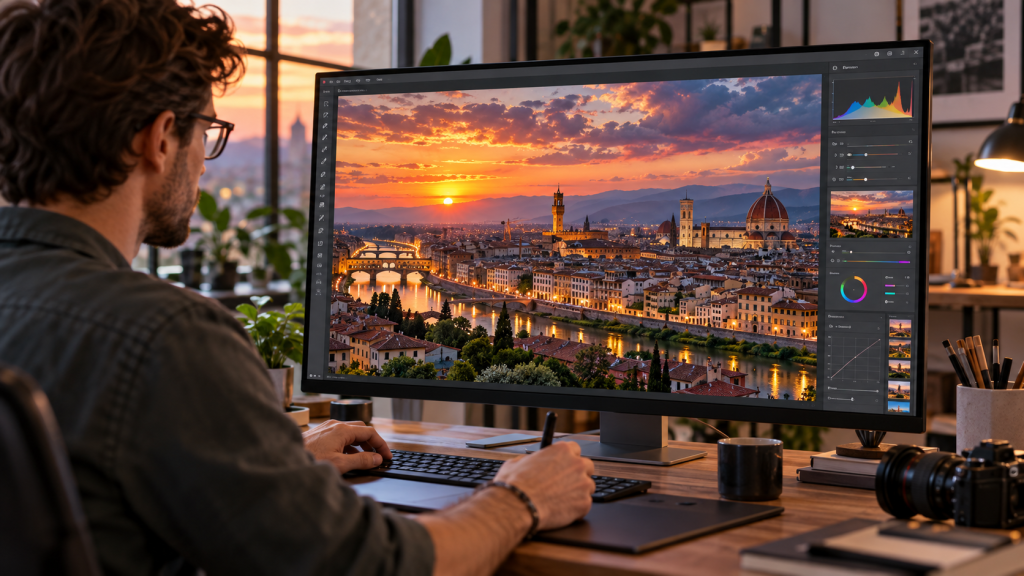
Where compression damage hides
Inspect hair, foliage, textured fabric, small lettering, gradients, shadows, and edges against contrasting backgrounds. AVIF may retain detail efficiently but can look soft at settings pushed too far. WebP can reveal blockiness, ringing, or lost texture when aggressively compressed.
Judge at final display size and 100% zoom. Extreme magnification helps diagnose a defect, but it should not replace normal viewing.
What three test files showed
We encoded our handbag photo, a sample inventory graphic with small type, and a transparent output from the background remover. The photo and graphic were 640 × 640 pixels. The cutout kept its returned size of 500 × 500. We used Pillow’s AVIF encoder at quality 65 and its WebP encoder at quality 80 and in lossless mode. No metadata was copied.
- Handbag photograph. AVIF used 21,503 bytes and WebP used 22,844. That is a difference of 1,341 bytes for this export. Check the stitching, the shade behind the handle, and the final display size before changing the format across a catalog.
- Graphic with small type. Lossy WebP used 42,136 bytes. Lossless WebP used 6,396 bytes and preserved the decoded colors exactly. Repeating backgrounds and line work helped this particular graphic compress.
- Transparent cutout. AVIF used 16,970 bytes and WebP used 23,338. Comparing alpha values after decoding showed that this AVIF export changed some opacity values. The WebP export preserved them in this test. Inspect the same edge over light and dark backgrounds before choosing a web copy.
AVIF and WebP quality numbers use different scales. For your own test, keep the source, dimensions, and color handling fixed. Compare several exports at the display size and inspect the details people need to see.
Deliver the formats your site can serve
The HTML picture element can offer AVIF first, WebP second, and a conventional fallback last. The browser selects a supported source. This structure lets you adopt a newer format while retaining a dependable route for other environments.
Keep the original outside the delivery folder. If browser support, encoder quality, or site requirements change, you can generate new outputs without recompressing an old derivative.
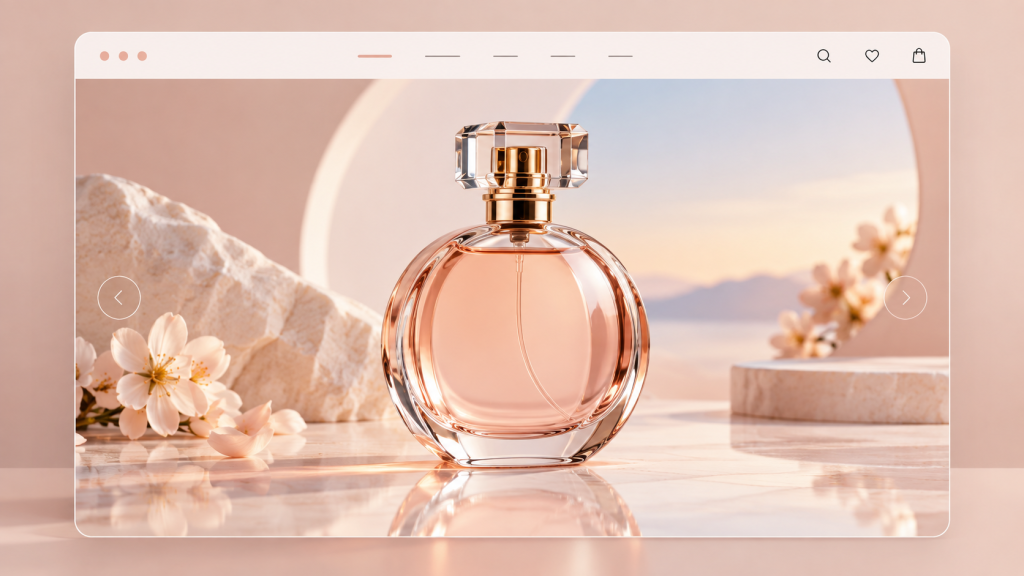
Choose a delivery format for each job
Use WebP as a reliable modern default. Test AVIF on the largest photographic assets where its size advantage can materially improve loading. Automate both only after verifying that the conversion pipeline preserves color, transparency, metadata requirements, and expected sharpness.
Use the formats in practice
Use the WebP quality guide to choose a baseline export. For alpha edges, read Transparent PNG vs WebP. Then compare both formats at the same display size using the compression guide.