
Choose certainty.
The image already contains its final backdrop. It will look broadly the same in product grids, documents, marketplaces and apps that do not handle transparency well.
A white background is predictable. Transparency is flexible. Neither is automatically more professional; the better choice depends on the destination, the subject edges, and whether the surrounding color needs to change later.
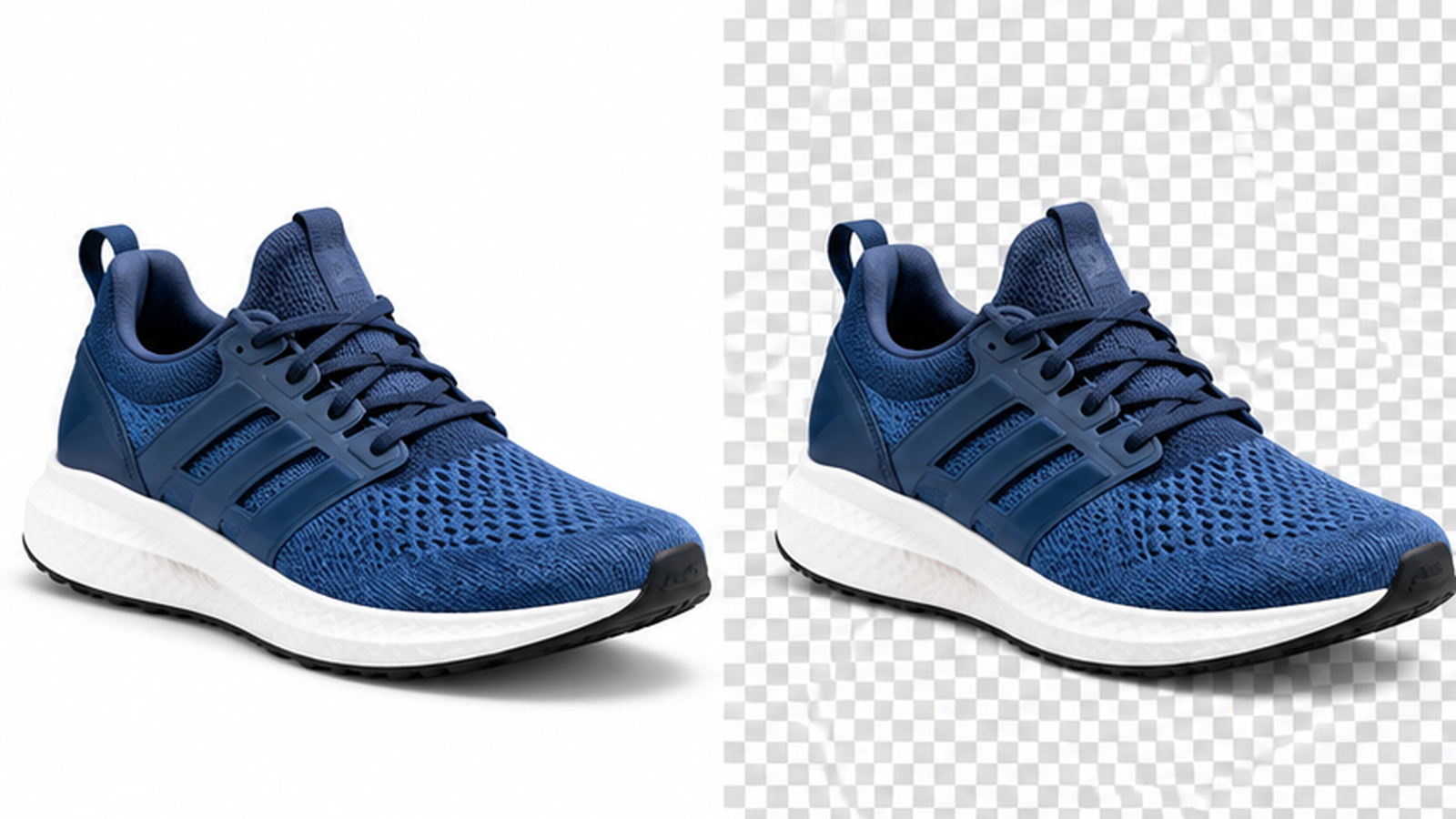
The image already contains its final backdrop. It will look broadly the same in product grids, documents, marketplaces and apps that do not handle transparency well.
The subject can sit over white, dark, colored or patterned surfaces without carrying a rectangular background with it.
Some marketplaces, catalogs and document workflows expect a clean white product image. If the destination has a fixed rule, follow it rather than preserving transparency for its own sake.
If the product, logo or cutout will be reused across banners, cards and dark sections, transparency avoids repeating the background-removal step.
Fine semi-transparent edges can look good when extracted carefully, but they can also reveal halos when moved from a light background to a dark one.
PNG and WebP can store transparency. Standard JPEG cannot. Saving a transparent cutout as JPEG forces the transparent areas to become an opaque color.
A white background can make a mixed product catalog feel more consistent when source images come from different photographers and environments.
Transparency can affect which format and compression route makes sense. Do not choose PNG automatically just because the background is clear; transparent WebP may be a lighter alternative where supported.

For a marketplace listing, printable catalog, ID-like product sheet or any interface that always uses white, an opaque background can be the simpler and safer choice. It also hides small extraction imperfections that would become obvious over a dark color.
A clean transparent subject can move from a white card to a colored banner or dark hero without being re-edited. That makes it useful for logos, product cutouts, interface graphics and reusable design assets.
The catch is edge quality. A halo that is invisible on white may become obvious on navy or black. Always test a transparent result on at least one light and one dark background.
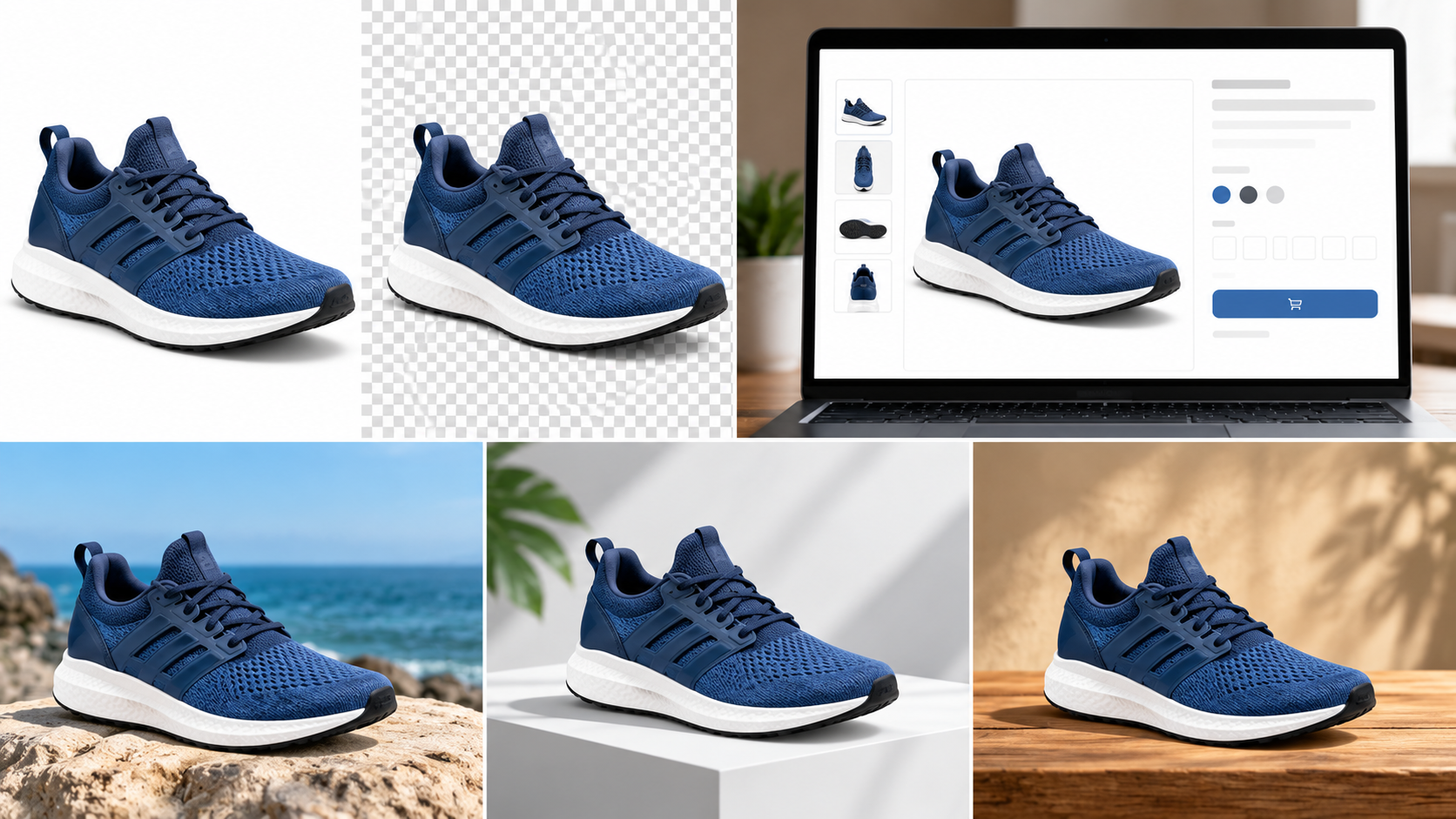
PNG uses lossless compression and can store full alpha transparency. WebP can also support transparency, while JPEG does not include an alpha channel. A file extension change alone does not create transparency; the image must actually contain transparent pixels.
MDN’s image format guide documents these format differences.