08
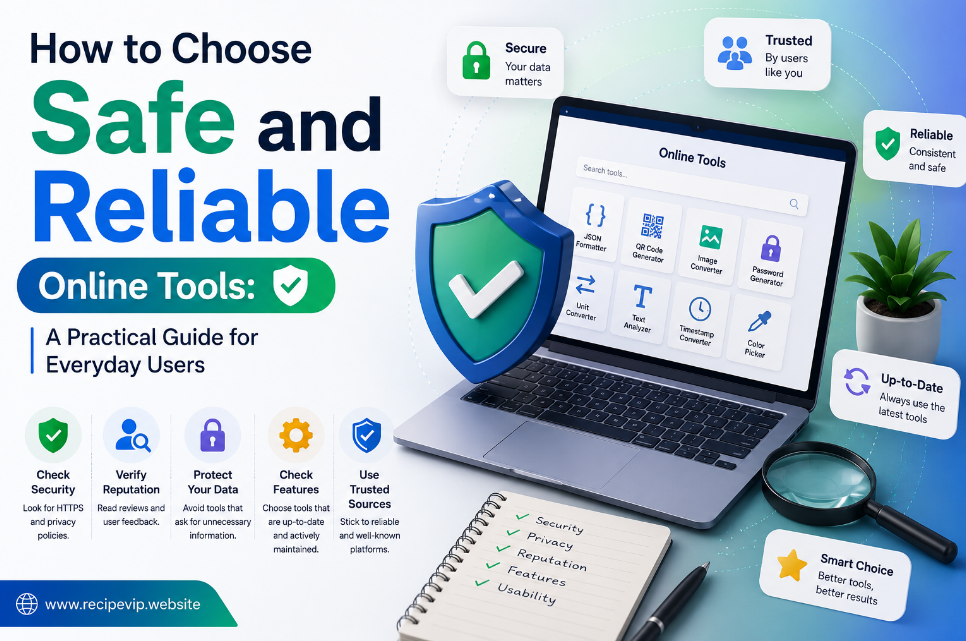
How to Choose Safe and Reliable Online Tools: A Practical Guide for Everyday Users
Learn how to identify trustworthy online tools, protect your privacy, and avoid unsafe websites. Discover practical tips for choosing secure browser-based utilities for everyday digital tasks.
Online tools have become part of everyday life. Whether you need to convert an image, compress a file, generate a password, inspect a website, or validate code, chances are you'll find a browser-based utility that can do the job in seconds.
The convenience is undeniable. There's nothing to install, updates happen automatically behind the scenes, and most tasks can be completed from almost any device with an internet connection.
However, convenience also comes with responsibility.
Not every website offering online utilities deserves your trust. While many services are built with security and privacy in mind, others collect unnecessary personal information, display misleading advertisements, or process data in ways users don't expect.
Knowing how to identify reliable online tools isn't just useful—it has become an essential digital skill.
This guide explains what separates trustworthy online utilities from questionable ones and outlines practical habits that help protect your privacy while making the most of browser-based software.
Why Trust Matters More Than Ever
Many online tools ask users to upload files, paste text, enter URLs, or provide other information before processing a request.
Most of the time, this information seems harmless. A small image, a JSON document, or a website address doesn't appear particularly sensitive.
But imagine uploading:
- business documents,
- customer information,
- confidential reports,
- unpublished content,
- or private images.
If the website doesn't handle that information responsibly, the consequences could extend far beyond a simple file conversion.
This is why choosing the right online service matters just as much as choosing the right software.
Trust begins with understanding how a website operates and whether it demonstrates a genuine commitment to protecting its users.
Start by Looking for HTTPS
One of the easiest checks anyone can perform takes only a second.
Look at your browser's address bar.
A trustworthy website should use HTTPS, which encrypts communication between your browser and the server. Encryption helps reduce the risk of information being intercepted while it travels across the internet.
Although HTTPS doesn't automatically guarantee a website is trustworthy, its absence should immediately raise questions.
Today, secure connections are considered a basic expectation rather than an optional feature.
If a website handling uploaded files or personal information still uses an unsecured connection, it's usually better to look for another alternative.
Read What the Website Tells You
Many users never visit a website's Privacy Policy or Terms of Service.
While these pages may seem uninteresting, they often reveal how the service handles uploaded files, stored information, cookies, and user data.
Reliable services generally explain:
- what information is collected,
- why it is collected,
- how long it is stored,
- whether files are deleted automatically,
- and whether information is shared with third parties.
Transparent communication is usually a positive sign.
If important policies are missing entirely or appear extremely vague, users should proceed with caution.
Pay Attention to the User Experience
Professional websites usually demonstrate attention to detail.
Pages load correctly.
Navigation is consistent.
Tools perform the promised task without unnecessary distractions.
Instructions are clear.
These details may seem unrelated to security, but they often reflect the overall quality of the service.
On the other hand, websites filled with broken pages, misleading download buttons, excessive pop-up advertisements, or confusing navigation may indicate poor maintenance or questionable practices.
A trustworthy service generally respects its visitors instead of trying to trick them into clicking advertisements or downloading unrelated software.
Avoid Giving More Information Than Necessary
A useful online utility should request only the information required to complete the task.
For example:
A password generator doesn't need your email address.
A QR code generator doesn't need access to your contacts.
A JSON formatter doesn't require account registration.
Whenever a simple utility asks for information that seems unrelated to its purpose, it's worth asking why.
Good online services minimize data collection whenever possible.
Limiting the amount of shared information is one of the simplest ways to protect your digital privacy.
Contact
Missing something?
Feel free to request missing tools or give some feedback using our contact form.
Contact Us